Bloplings
Glossy, squishy jelly pets that live on your Mac.
Coming soon to the Mac App Store Browser demo coming soon
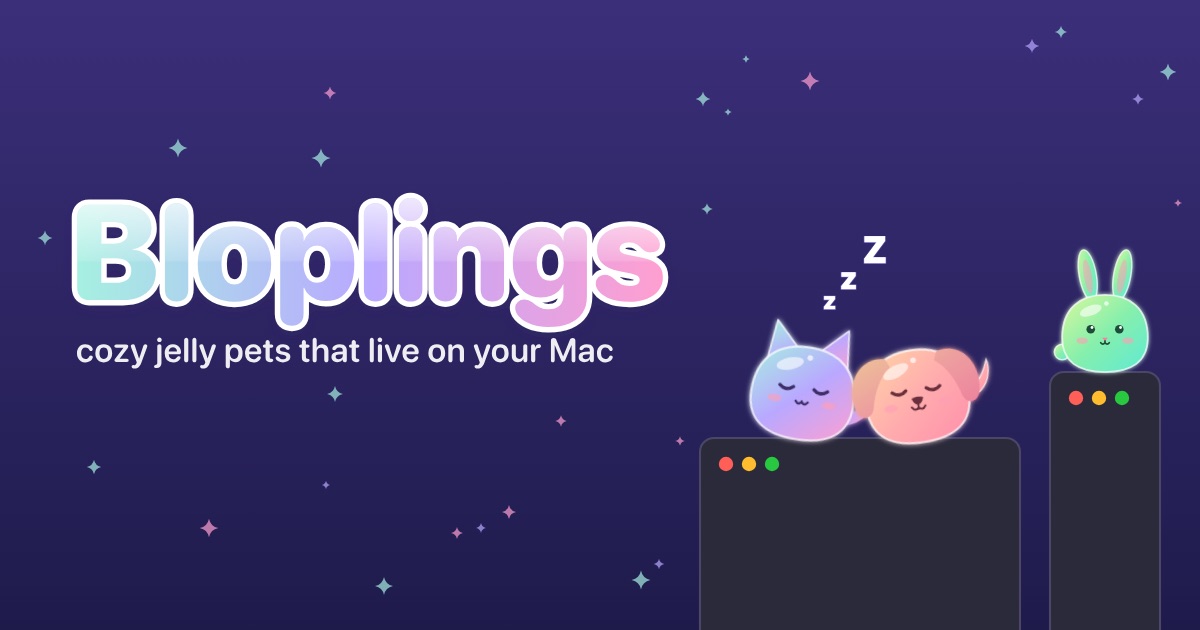
Adopt jelly kitties and puppies, give each one a name, and watch them get on with their little lives along the tops of your windows. They wander, nap, play together, squabble, cuddle up in piles, and wobble like jelly when you pick them up. Grab one by an ear and it dangles. Toss it and it splats. Pet it and it blushes.
Every pet has its own personality: playful or lazy, cuddly or aloof, brave or skittish, with a favorite spot, a favorite toy, and outfits it loves (or shakes right off).
For macOS 14 Sonoma or newer, on any Mac with Apple silicon or Intel.
Watch the trailer
Pressing play loads the video from YouTube.
Try it in your browser
The browser demo is coming soon.
What they do
- Cats and dogs together in one app: up to 6 pets, out on your screen or resting at day care
- Walk on your windows and Dock, hop up to reach you, and travel between displays
- Jelly physics: squash, stretch, dangle, toss, and splat
- Friendships: they tumble, romp, squabble, and nap snuggled together
- Toys and games: fetch, tug-of-war, and Find the Treat for dogs; a feather wand and yarn for cats
- Tricks they learn as your days together add up: Sit, Paw, High Five, Spin, Roll Over, Play Dead, and Loaf
- Optional care: meals, treats, water, and baths (plus the odd rain shower). Or switch care off anytime for an always-happy desk buddy
- Outfits and colors to unlock just by spending days together, and a missed day never costs you anything
- Naps when you’re away (with little Zs), and Stay Near Here keeps a pet close to a spot you pick
- Put Everything Away tidies up toys, the bath, and treats in one click
Make them yours
- Each pet’s name, color, ears, tail, and toe bean colors (solid, spotted, or mixed)
- A new personality for any pet, keeping its name, looks, and bond days
- Pet size (100% to 150%), pet speed (Calm, Normal, or Lively), and jiggle, from Firm to Floppy
- A soft blop when they land, with its own volume, or no sound at all
- Light, dark, or match your Mac
- Shortcuts: hide or show everyone from anywhere with Control Command H (or a shortcut you pick). You can also set your own shortcuts to feed, water, pet, play with, bathe, or give a treat to the pet nearest your pointer, and to open Pet Care, pause, or tidy up. Return drops a toy where your pointer is and Esc puts it back, so you don’t need to click
- Back up and restore all your pets and everything they’ve unlocked
Polite on your screen
- Hides during video calls and full-screen apps, each with its own on/off switch. With two screens, your pets move to the other one instead
- Light on battery: about 1% CPU per resting pet. On battery, they nap at 20% and tuck themselves away at 10% until you plug in (you can switch this off)
- Left out of screenshots and screen recordings, unless you’d like them in
- Accessibility: high contrast and reduce motion (both can follow your Mac’s settings), bold text, text from 100% to 200% everywhere, bigger pets, calmer pets, and full keyboard support
- No account and no special permissions: it never asks for your camera, microphone, screen, or keyboard. It doesn’t send anything over the internet, either, so there are no crash reports or stats
Bloplings keeps everything on your Mac. The privacy policy has the details. For questions or bug reports, see Help and contact.